


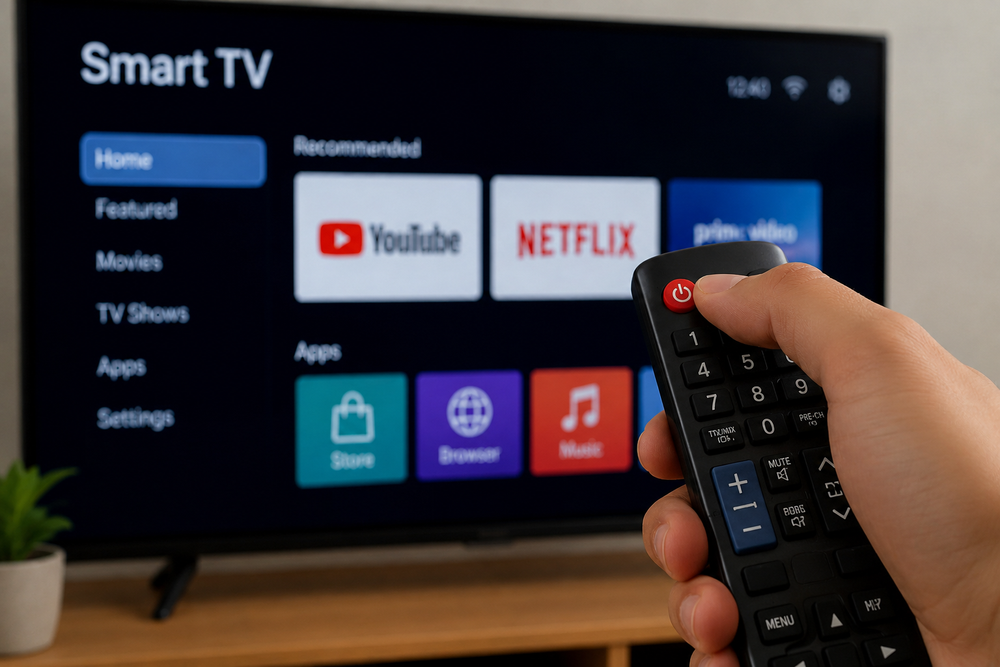
Many Smart TV users are reporting slowdowns on their devices, especially when using apps like YouTube or Netflix. In most cases, the problem is not related to the quality of the internet, but to the accumulation of temporary files in the TV's memory.
Technology experts explain that every application used on Smart TV leaves behind "cache" and temporary data, which over time overload the system and significantly reduce the device's performance.
Another factor that is often overlooked is the fact that turning off the TV with the remote control does not completely shut down the system, as the device remains in "standby" mode, maintaining active processes in the background.
According to specialists, the quickest solution is a complete restart of the Smart TV through a simple combination with the remote control: holding down the power button for about 10 seconds, until the device turns off completely and restarts with the manufacturer's logo.
This process closes all hidden processes and helps clear cache, without deleting applications or personal data.
In cases where the problem persists, it is also recommended to disconnect the TV from the power supply for a few minutes, to ensure a complete system restart.
Experts also advise periodic maintenance of Smart TVs, deleting unnecessary applications and leaving free space in the device's memory. According to them, in many cases, slowdowns are not a sign of the TV's obsolescence, but a consequence of software overload that can be fixed with a few simple technical steps.